
earsay 1.2.5 is here with a handful of improvements we think you'll appreciate. Nothing earth-shattering, but the kind of polish that makes daily listening better.
A proper speed picker
The old speed control was a tap-to-cycle button. Fine for jumping between 1x and 1.5x, not so great if you wanted something specific like 1.3x or 2.0x.
The new speed picker gives you both quick presets and precise control. Tap the speed button to get a popover with five common speeds (0.8x, 1.0x, 1.3x, 1.5x, 2.0x) that you can drag between. Need something more specific? Swipe to the slider page and dial in exactly what you want, from 0.7x to 3.0x in 0.1 increments.
The tortoise and hare icons aren't just cute. They're genuinely helpful when you're adjusting speed without looking directly at the screen.
Support your favorite shows
Many podcasts have a funding page or website where you can support them directly, buy merch, or find links mentioned in episodes. We now surface that in the player.
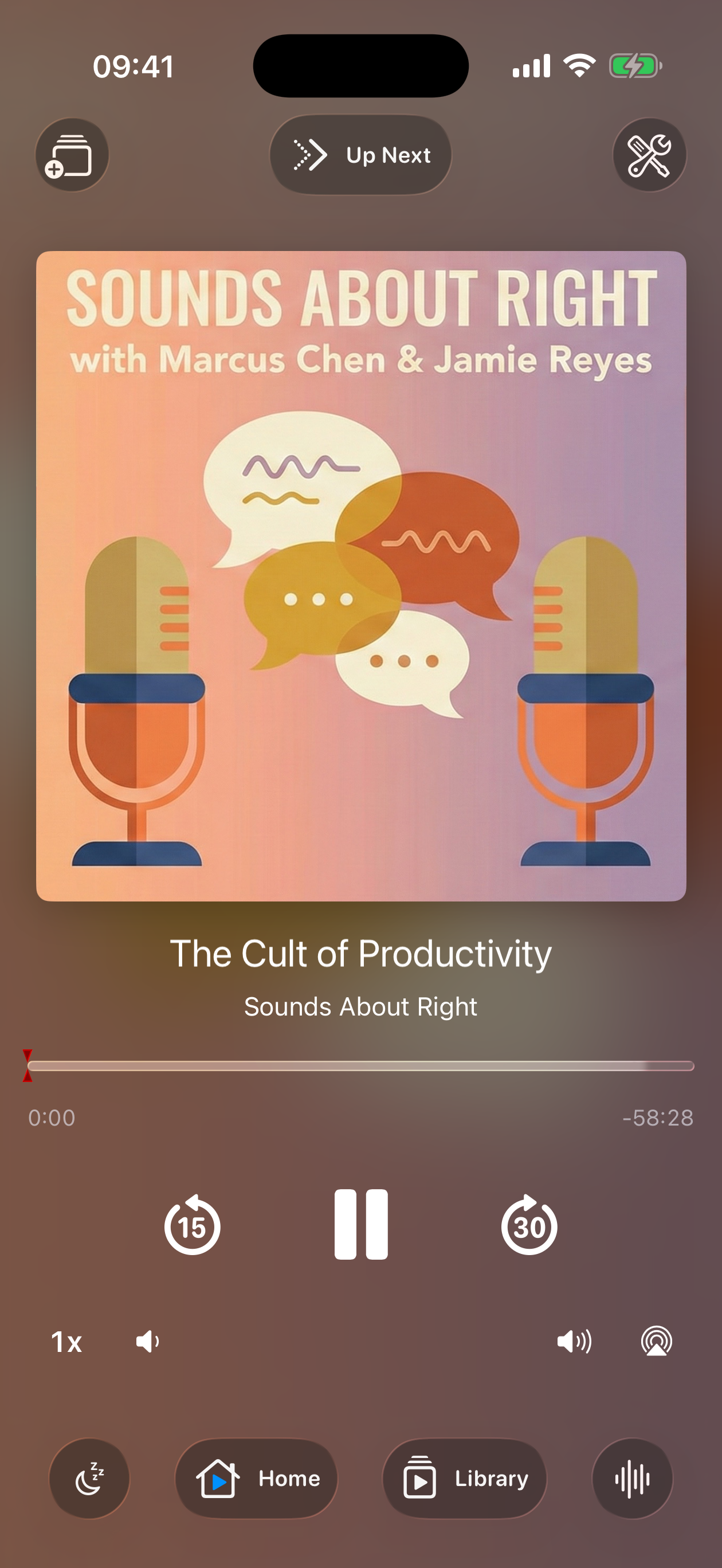
Look for the globe icon on the right side of the playback controls. Tap it to open the podcast's website or funding page in Safari. If a show has a dedicated funding link (using the Podcasting 2.0 standard), you'll see a ticket icon instead.
Not every podcast includes this information in their feed, so you won't see it on every show. But when it's there, it's one tap away.
Report missed ads
Our ad detection works well, but it's not perfect. When it misses an ad, there wasn't a way to tell us about it. Now there is.
The star icon next to the progress bar lets you report a missed ad. Tap it during an ad that wasn't detected, and we'll use that feedback to improve detection for that show. The report includes enough context for us to investigate without collecting anything about you personally.
This is entirely optional. If you never tap it, nothing changes. But if you want to help make detection better for everyone, now you can.
Sleep timer additions
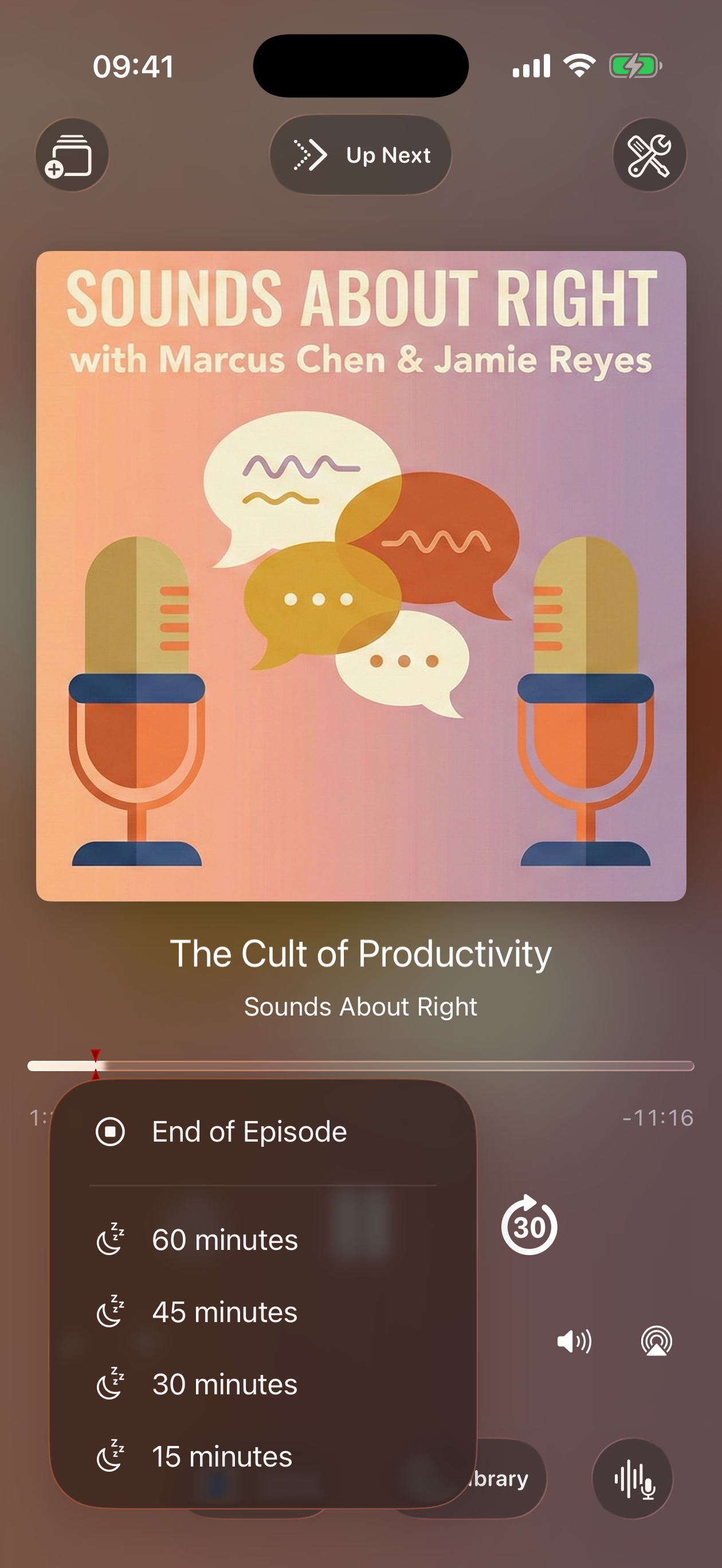
We added 5 and 10 minute options to the sleep timer. Sometimes you just need a short podcast segment to fall asleep, not a full 15 or 30 minutes.
Visual polish
The progress bar got some love. The playhead is cleaner, the layers don't muddy together anymore, and the whole thing feels more refined. Small stuff, but it adds up.
Get the update
Version 1.2.5 is available now on the App Store. If automatic updates are on, you might already have it.
If you're new here, earsay is free to download with a limit of three podcast subscriptions. The full version is a one-time $7.99 purchase. No subscription, no account required.
